GET YOUR PODCAST ON YOUTUBE AND SET UP YOUR CHANNEL
No design stress. Just plug into the templates and get your YouTube channel ready
Ready to start? Enter your details below and get your YouTube channel set up
Inside Pod Tips, you’ll get:
-
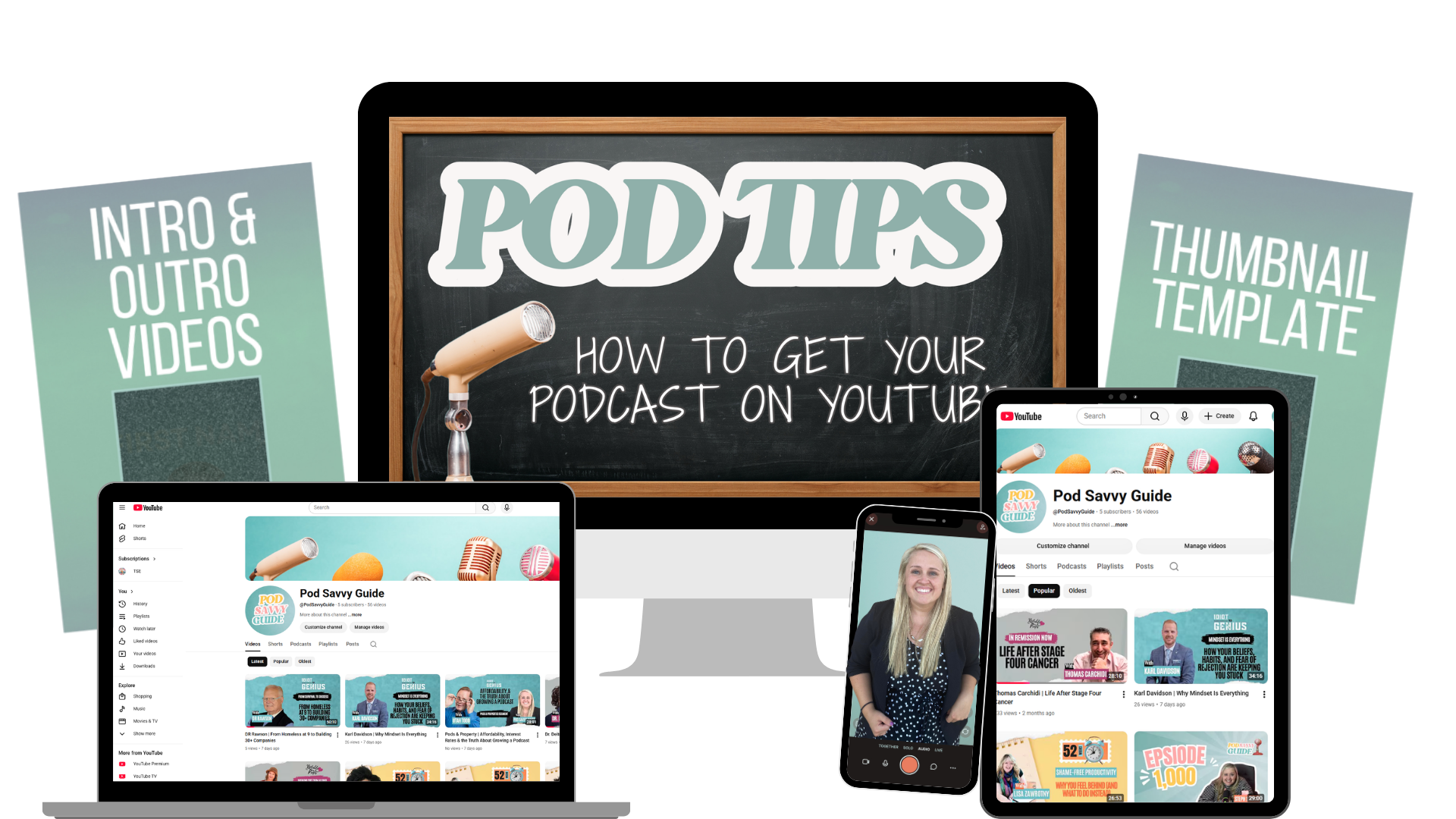
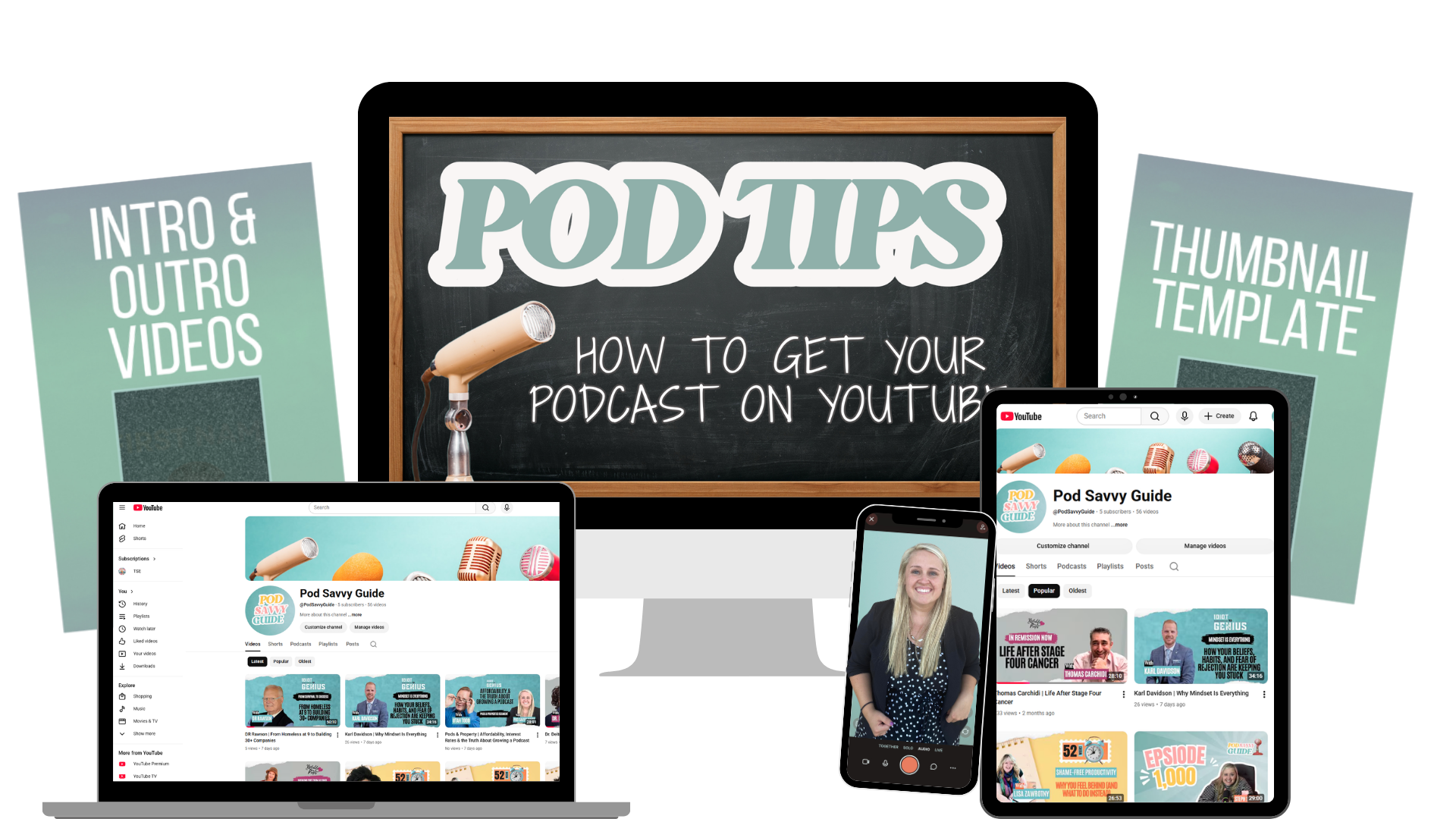
- YouTube Channel set up so you have a place for your podcast to live
- Connect your podcast to YouTube through Riverside so everything works together without extra steps
- Set up your channel branding with a banner, profile picture, and settings so it looks complete and ready
- Create your thumbnail template for episodes so each video looks clean, clickable, and consistent
- Create a customizable intro video using your own photos so your channel feels personal and branded
- Create an outro video that reminds viewers to subscribe and keeps your content consistent across episodes
Instant access. One hour from now, you could be hitting play on your own podcast.